Building streets just to "build streets" is a bad idea, generally.
Always make sure there's an interesting shape and gameplay area. Something that looks inviting, a place you haven't seen in dozens of other maps before. Then make a few little sketches (the uglier, the better) of the area. In these, try to identify areas that are just long-winded, boring areas with nothing interesting to them. Condense them until you have something exciting literally around
every corner. In fact, even the corners themselves should have something special to them.
Now you can start building.
Getting the right amount of detail to both get things done and not run into problems later from over-simplification is one of the hardest thing there is for a mapper. I'm still figuring that out. I usually try to make sure all walkable areas or gameplay/optimization relevant walls are exactly to-the-unit like they should be in the final version. Then you can cut out or add detail as you polish the map.
Sticking to a 16, better 32-grid is essential for something as big as an entire house! If you don't do that, you'll be screwed, soon. For skewed angles, use the vertex tool and snap all the edges to grid in there. Don't use rotate. In fact, never use rotate, ever, ever.
Ahh, been a while I wrote things like this.

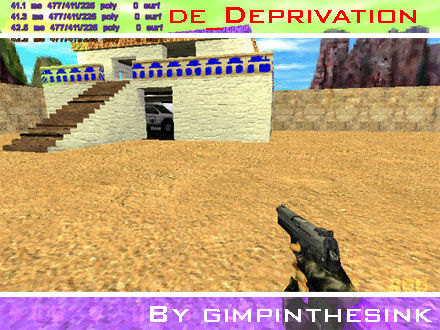


 I try to mimic official maps just for the professional look rather than gameplay. The game play is build around the map in my maps, rather than vice versa. Brings back good old memories of the Snarkpit talks on here. The days of Orpheus and Leperous were good memories. Now the days of the new guard are good memories as well
  Thanks for the info about building stuff and then rotating it. Next time I am in that situation I will try to angle it with Vertex manip.

