Titanic by Wild Card

Map Rating

  • 0
  • unrated

Map Download

Map Info

Map Description

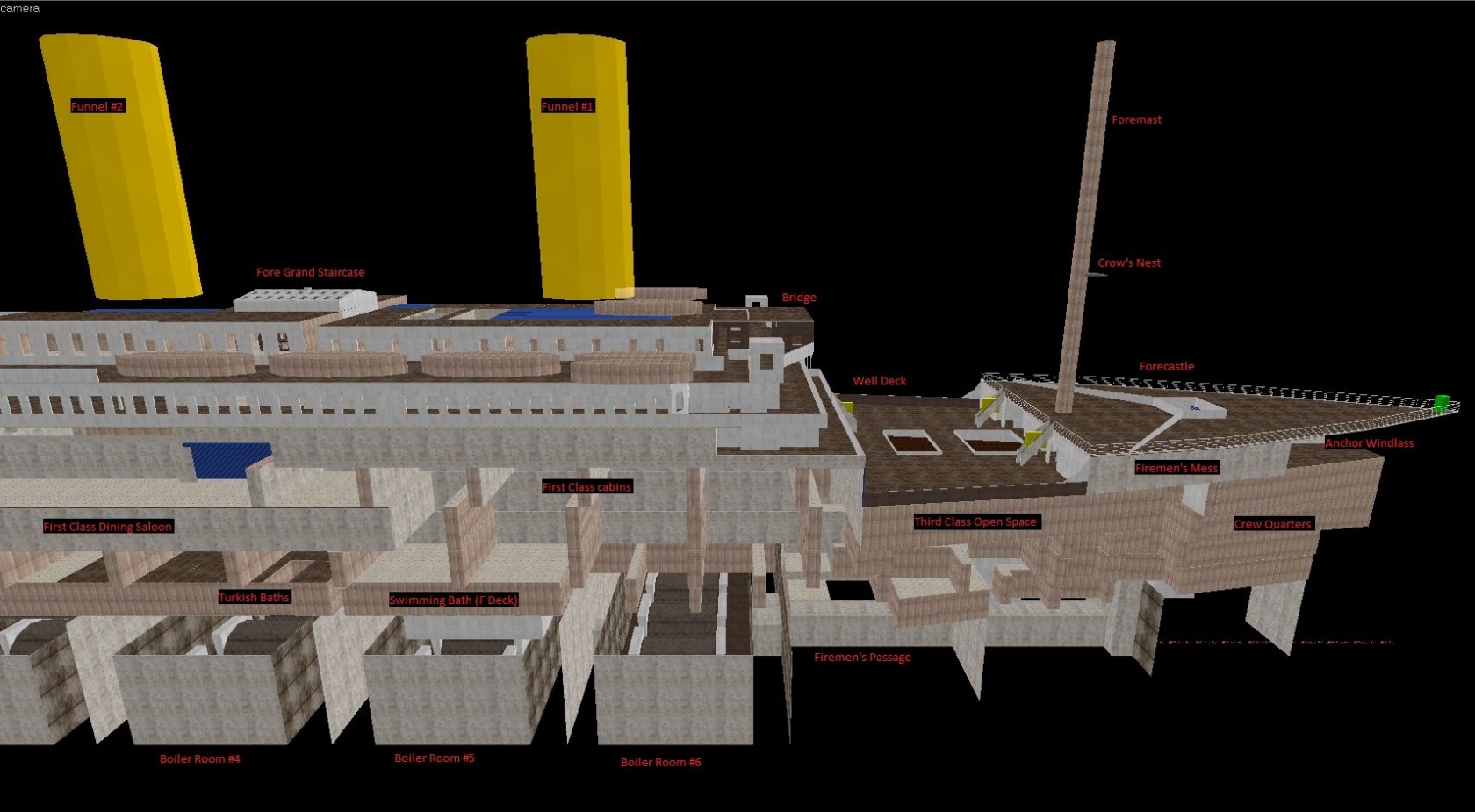
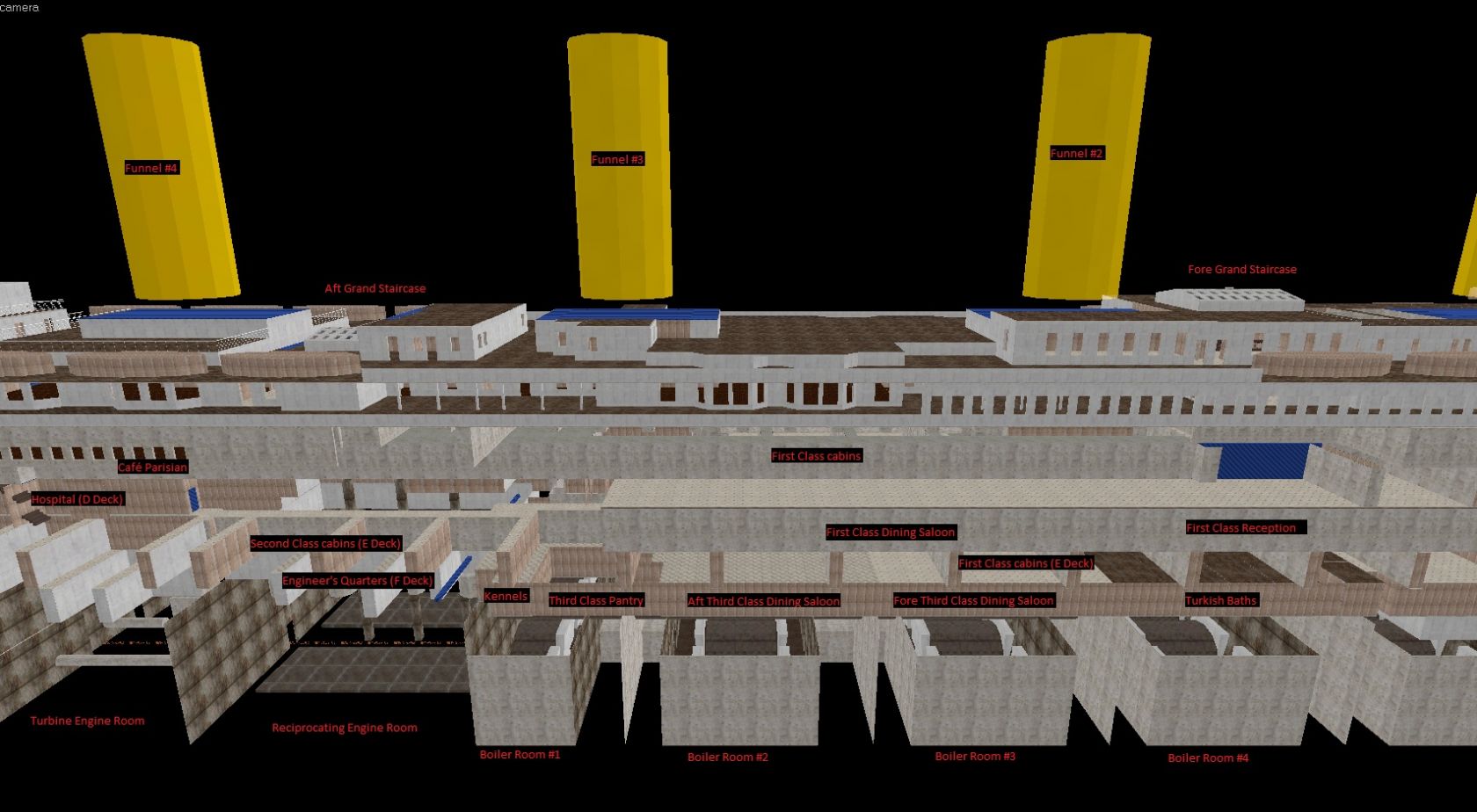
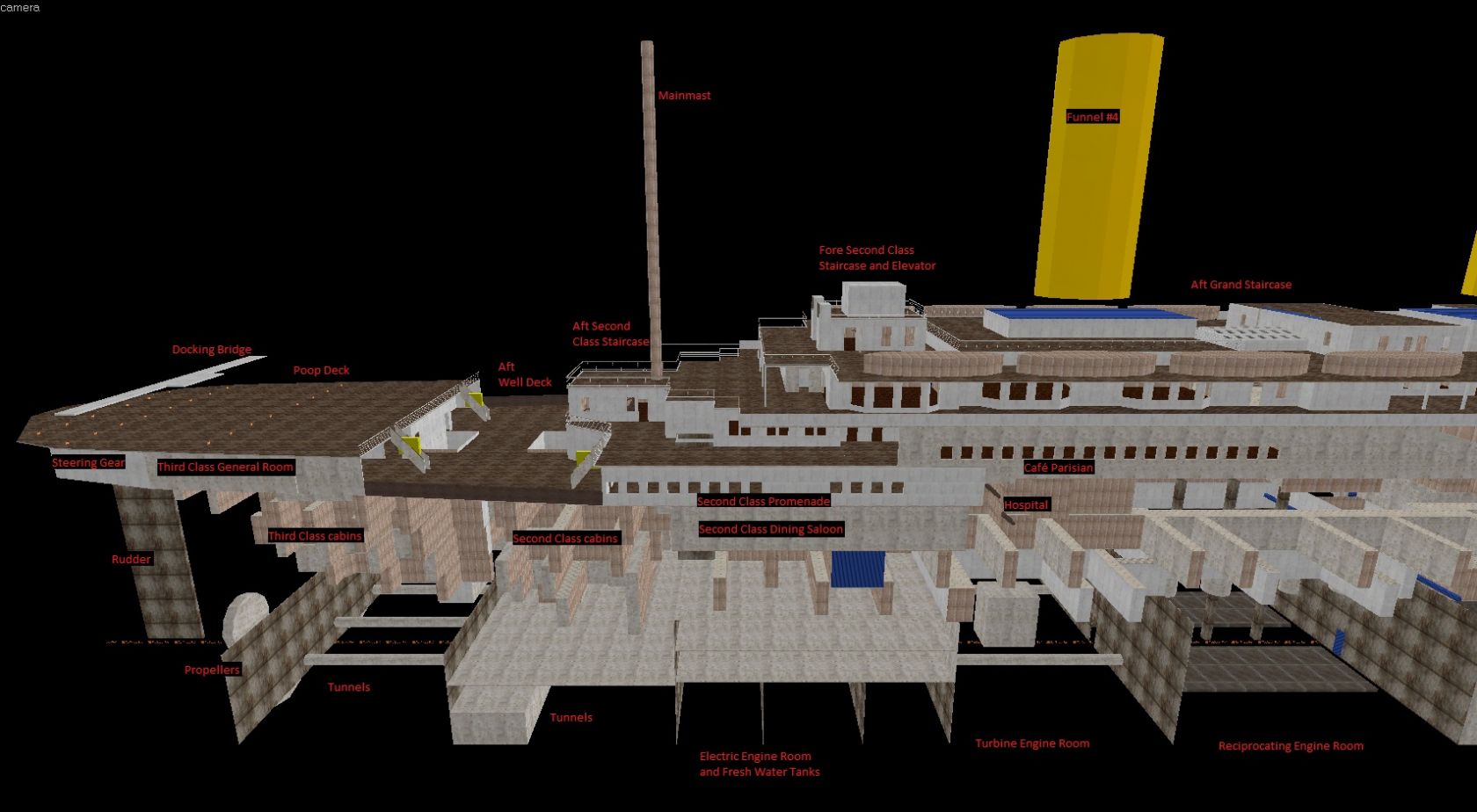
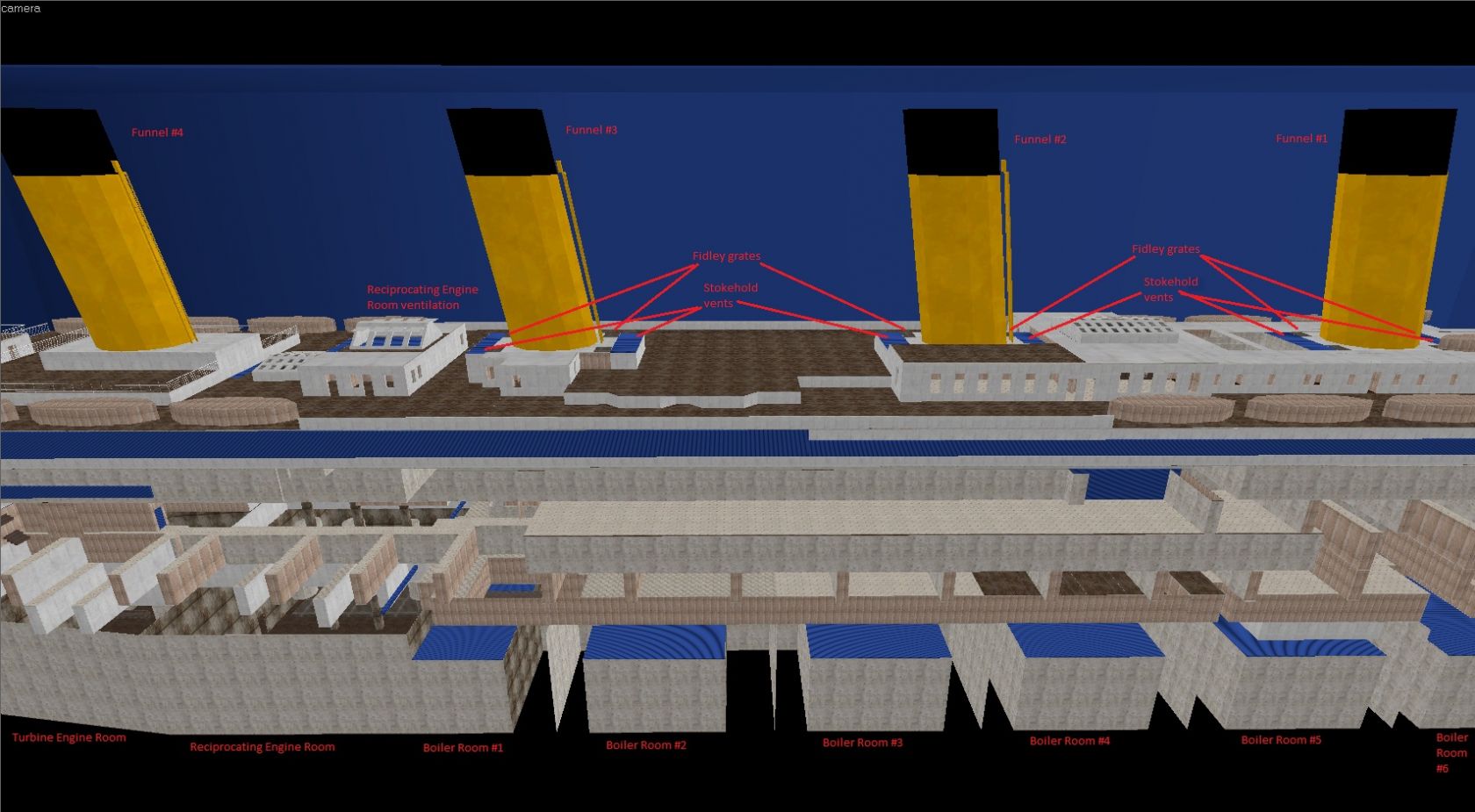
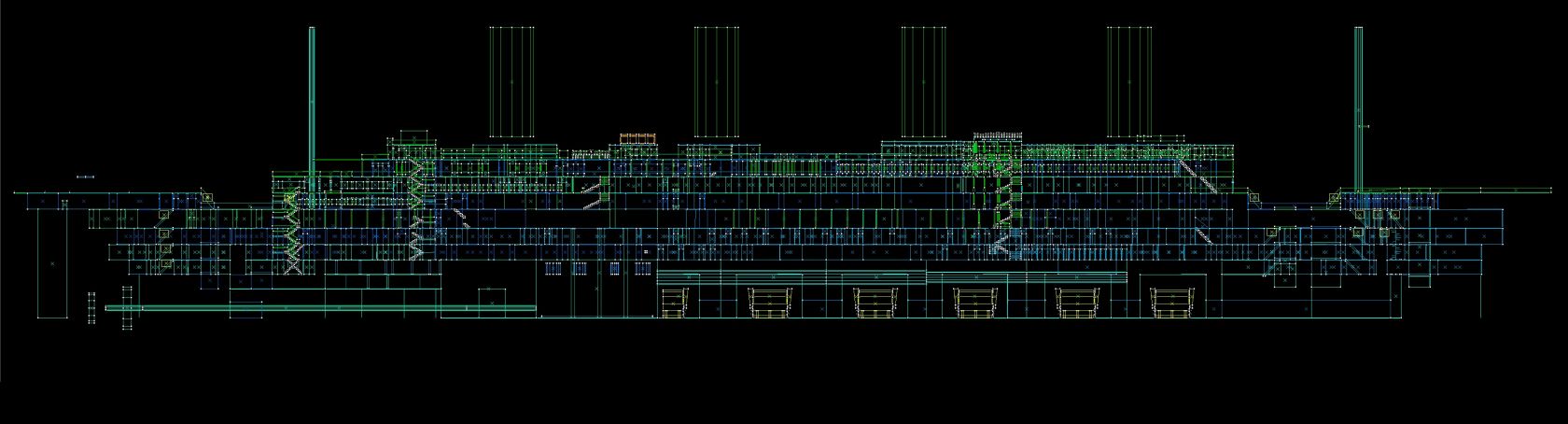
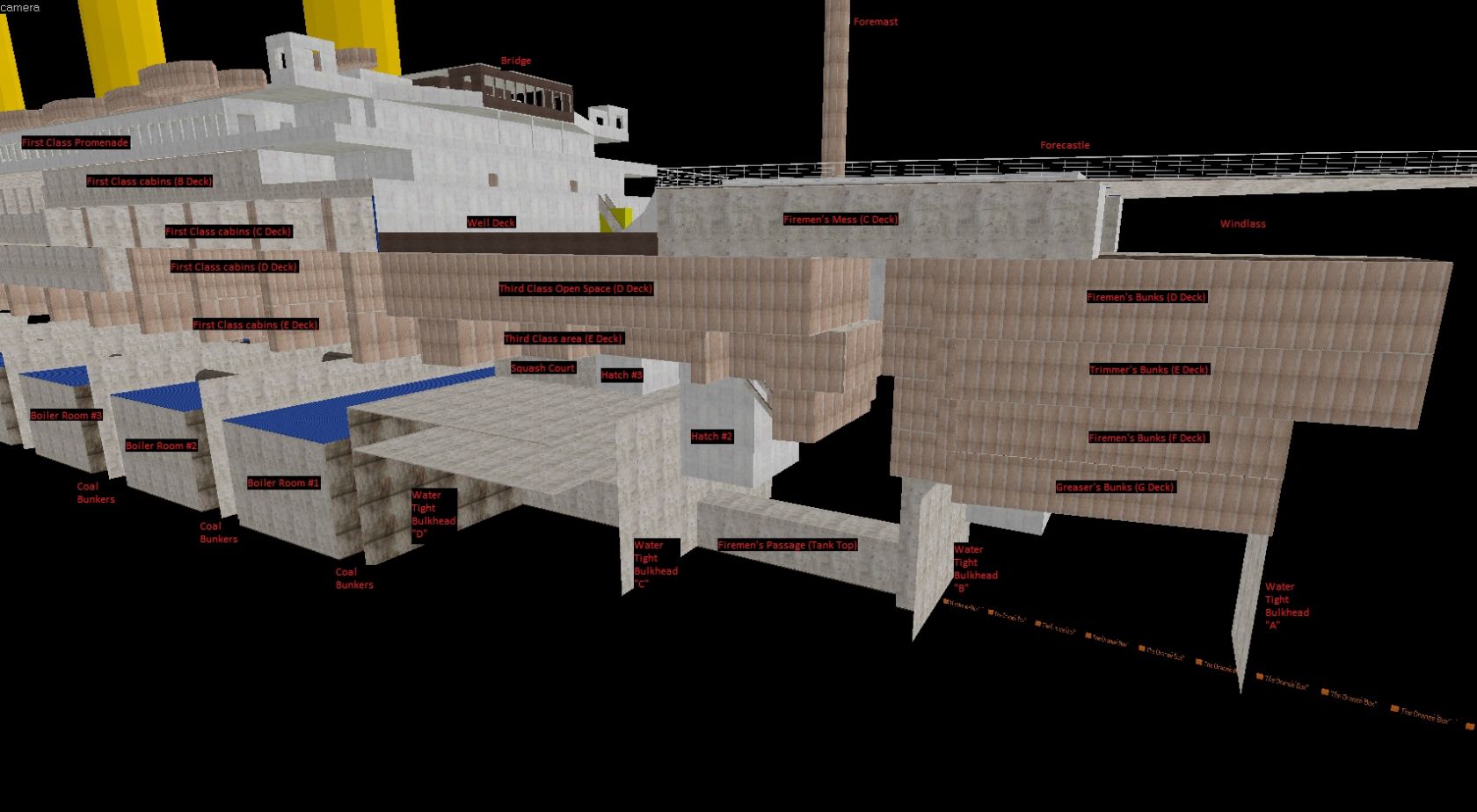
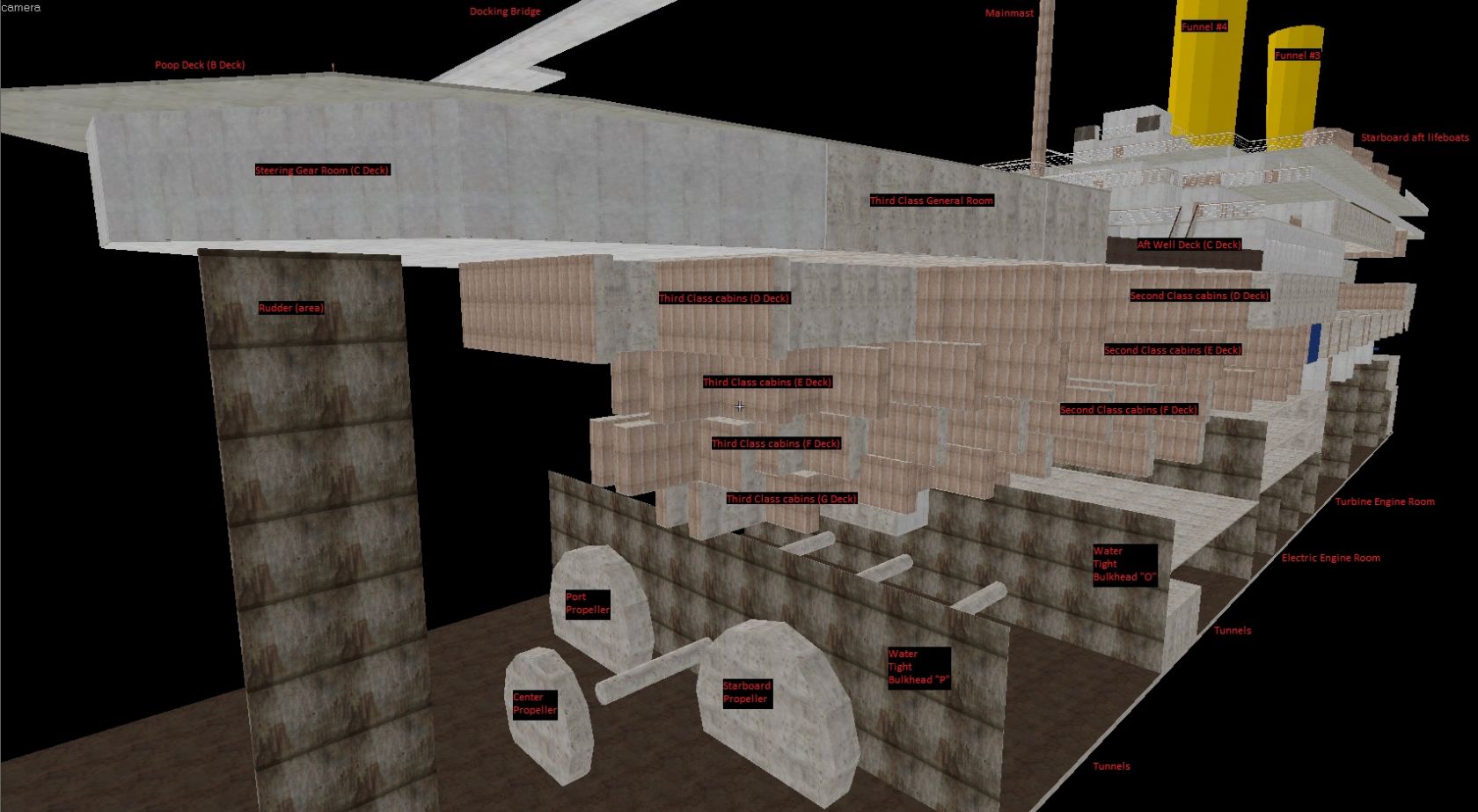
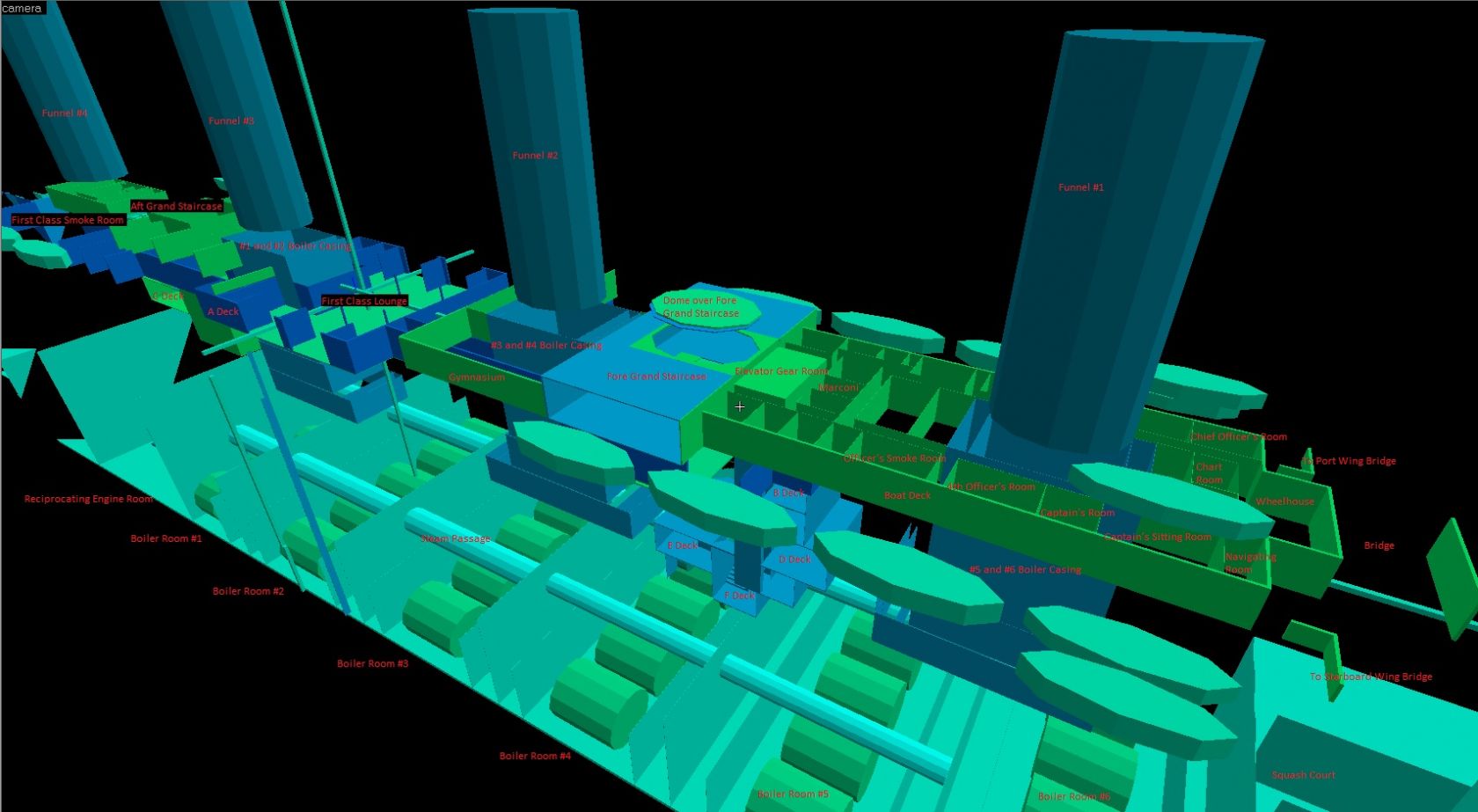
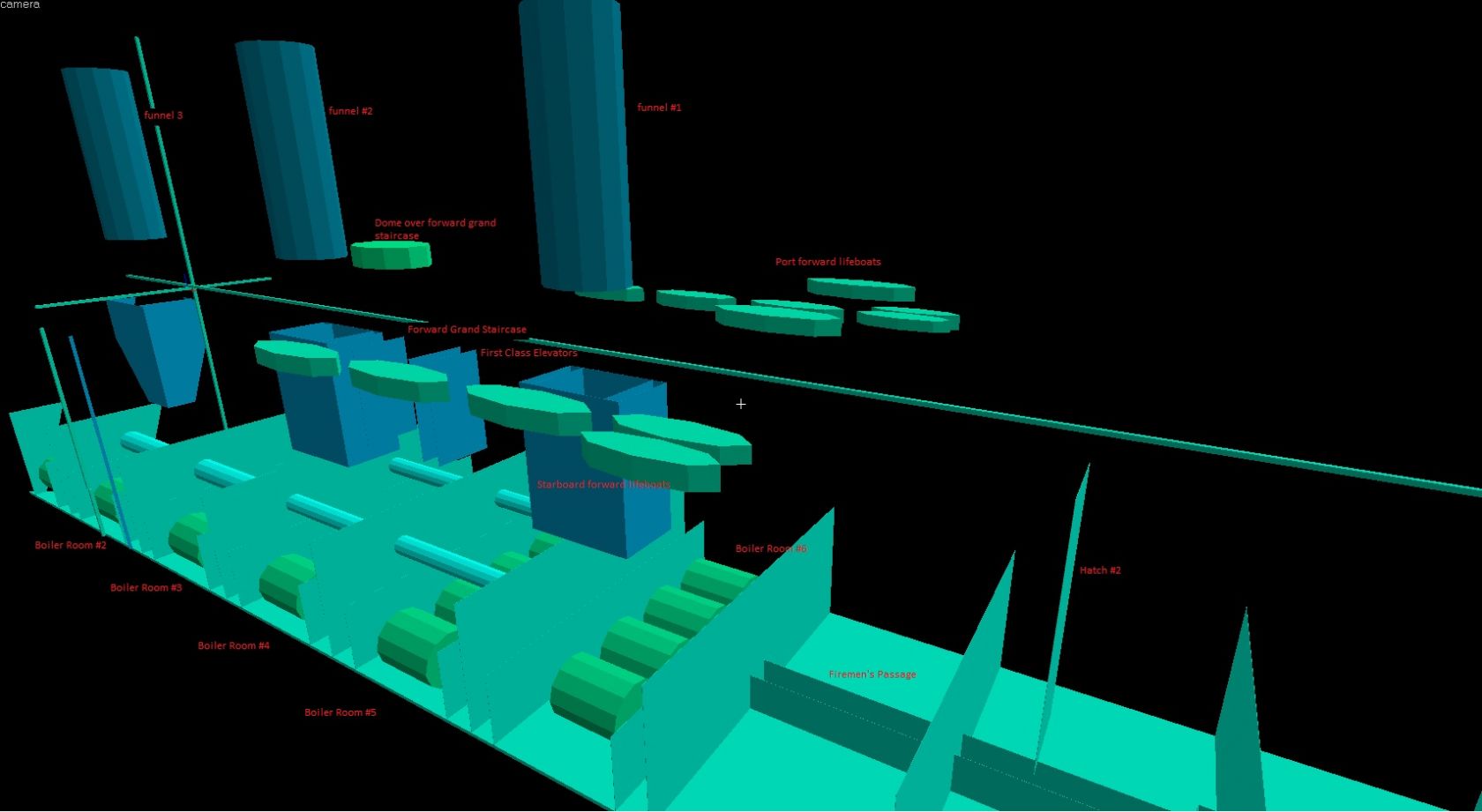
This is a complete recreation of the RMS Titanic.

This project will be broken into several phases:

Phase 1 (December 23 2011 to March 24 2012)
- Basic structure based on blueprints by Bruce Beveridge
- Texturing for clarity
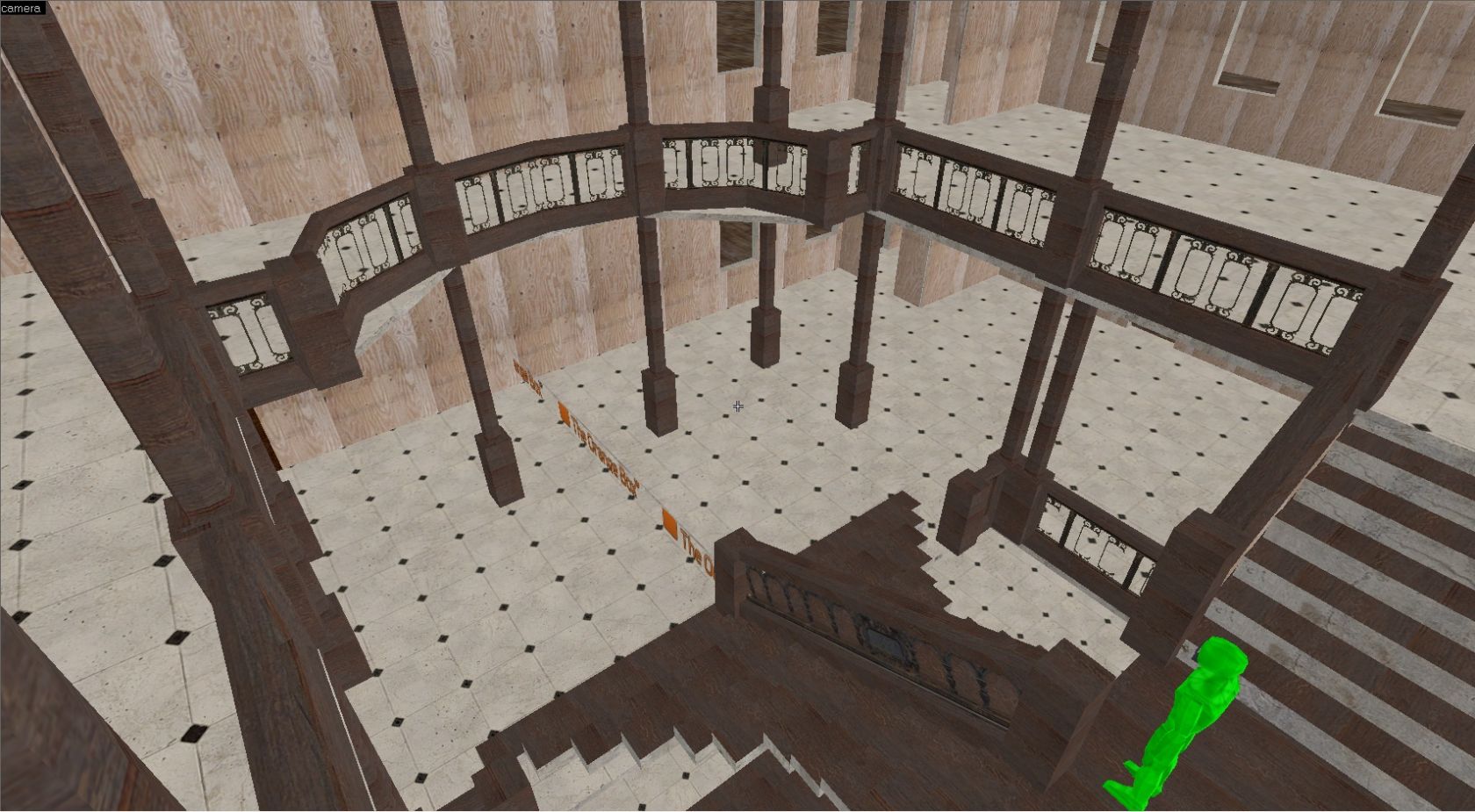
- Basic modelling of staircases
- Basic level optimization

Phase 2a (March 24 2012 to April 24 2012)
- Level splitting per deck with transitions
- Phase 2a abandoned in favour of optimization to the architecture

Phase 2b (April 24 2012 to present)
- Level optimization
- Architecture optimization
- Completion of re-texturing
- Details to Boat Deck including modelling external fittings

Phase 3 (unknown to unknown)
- Addition of rooms (cabins, lavs, storage, etc)
- Basic proper texturing
- Review of ship's structure
- Advanced level optimization (full VVIS compile?)

Phase 4 (unknown to unknown)
- Basic roofing/ceiling detail
- Doorways and doors
- Windows
- Funnel structure

Phase 5 (unknown to unknown)
- Modelling of rails
- Modelling of posts and supports
- Modelling of bridge and wheelhouse telegraphs and wheels
- Modelling of funnel accessories
- Modelling of lifeboats

Phase 6 (unknown to unknown)
- Basic lighting
- Skymap

The following details have been deliberately modified from the blue prints due to game limitations:

- Crew spiral staircases at the bow from D Deck to the Tank top due to player collision hull. The staircase has been made bigger.

The following links are for Youtube videos of the progress:

Video 4:
http://www.youtube.com/watch?v=yXf0MZwGQds

Video 3:
http://www.youtube.com/watch?v=T4Z9mdRj3Yo&context=C4091e83ADvjVQa1PpcFN85OhX63C1Ifzxjqyfg7ZqBrHgULYCdEs=

Video 2:
http://www.youtube.com/watch?v=jHMj6Py6JkU&context=C4bb6491ADvjVQa1PpcFN85OhX63C1IXdOvzRH_9nulYU5mkYJ9Lo=

Video 1:
http://www.youtube.com/watch?v=maAJhYHY83g&context=C44160a7ADvjVQa1PpcFN85OhX63C1IaBPRceeZ6NaP7ksfc8Xn2I=

Discussion

Posted by Wild Card on Wed Mar 7th 2012 at 1:47am
[Author]

Yea turns out in HL2 Im getting these in the console:

SOLID_VPHYSICS static prop with no vphysics model!

Googling it..
Posted by Orpheus on Wed Mar 7th 2012 at 1:36am

Models gotta be solid. Put a default one in. Check the properties and find out which boxes to check off. I walked all over the boats and stuff in HL2.
Posted by Wild Card on Wed Mar 7th 2012 at 1:20am
[Author]

Looks like the models are not solid. Am I supposed to put a clip brush over the staircases?
Posted by Wild Card on Wed Mar 7th 2012 at 12:34am
[Author]

Well I've been able to create my first Propper model after a few setbacks:

1) The files were blocked by Windows 7
2) They were in the Source2007/bin directory when they should have been in the Source2009/bin directory. Interestingly enough, VHE searched all the following for the file:
I:\Steam\steamapps\\sourcesdk\bin\source2009\bin\propper.exe
I:\Steam\steamapps\\sourcesdk\bin\source2009\propper.exe
C:\Windows\SysWOW64\propper.exe
C:\Windows\system\propper.exe
C:\Windows\propper.exe
I:\Steam\propper.exe
C:\Program Files\Common Files\Microsoft Shared\Windows Live\propper.exe
C:\Program Files (x86)\Common Files\microsoft shared\Windows Live\propper.exe
C:\Windows\SysWOW64\propper.exe
C:\Windows\propper.exe
C:\Windows\SysWOW64\wbem\propper.exe
C:\Windows\SysWOW64\WindowsPowerShell\v1.0\propper.exe
C:\Program Files (x86)\Windows Live\Shared\propper.exe
C:\Program Files (x86)\ATI Technologies\ATI.ACE\Core-Static\propper.exe
C:\Program Files\Diskeeper Corporation\Diskeeper\propper.exe
C:\Program Files (x86)\Nmap\propper.exe
Now I've got my first model created, a staircase, called staircase_ThirdClassOpenSpace1. And its saved some files to the half-life2/hl2/models/props/ directory, but I dont see the point entity in VHE (even after restart)

Am I missing something?

[edit]
nm figured it out. Have to use propper_dynamic. Got it working now. So pre Propper is 7456 brushes...
Posted by gtamike_TSGK on Fri Mar 2nd 2012 at 12:36am

Wild Card said:
I got a fairly good definition from the Steam forums and it seems the best solution might be to use Propper (as was mentioned back on page 1) (see http://forums.steampowered.com/forums/showthread.php?t=2571136)

Has anyone used Propper before and could give me a hand. I've got it setup in VHE but Im a little unclear as to how exactly to work it. Am I supposed to create a new VMF file with only the model, compile that, and then add it to my Titanic VMF map? I tried compiling my Titanic map with the propper_model entities in but they all disappeared in HL2.
Few easy to use .bat files here. (drag and drop .vmf on .bat for model conversion)
http://www.interlopers.net/forum/viewtopic.php?f=2&t=33085

EDIT
You might find this useful to.
https://developer.valvesoftware.com/wiki/Propper
Posted by Wild Card on Thu Mar 1st 2012 at 2:32am
[Author]

I got a fairly good definition from the Steam forums and it seems the best solution might be to use Propper (as was mentioned back on page 1) (see http://forums.steampowered.com/forums/showthread.php?t=2571136)

Has anyone used Propper before and could give me a hand. I've got it setup in VHE but Im a little unclear as to how exactly to work it. Am I supposed to create a new VMF file with only the model, compile that, and then add it to my Titanic VMF map? I tried compiling my Titanic map with the propper_model entities in but they all disappeared in HL2.
Posted by Wild Card on Tue Feb 28th 2012 at 3:47am
[Author]

I had forgotten about that trick. I blocked up the ship according to the following:
User posted image
The ship is divided in two sections top and bottom, at the red line, and then into 28 equal sections front to back, 512 units each. The largest the grid would go.

Only towards the end I realized that since the player_start is only in one place, some of the data is skewed... Dangit. However, this is what I got. Not sure exactly where it leads me though.
Sector......Faces....Degenerates......Waterindices
up..........10928....3................24321 (37.1%)
dn..........19922....1................stack overflow
1-14........14469....8................30282 (46.2%)
15-28.......24041....2................stack overflow
1 up........102......0................60 (0.1%)
2 up........108......0................60 (0.1%)
3 up........108......0................81 (0.1%)
4 up........168......0................114 (0.2%)
5 up........98.......0................90 (0.1%)
6 up........249......0................411 (0.6%)
7 up........1163.....1................2043 (3.1%)
8 up........740......0................981 (1.5%)
9 up........1050.....0................1842 (2.8%)
10 up.......1727.....0................4662 (7.1%)
11 up.......2152.....2................5298 (8.1%)
12 up.......460......0................693 (1.1%)
13 up.......519......0................942 (1.4%)
14 up.......408......0................513 (0.8%)
15 up.......569......0................675 (1.0%)
16 up.......632......0................702 (1.1%)
17 up.......669......1................1107 (1.7%)
18 up.......1008.....0................3957 (6.0%)
19 up.......550......0................708 (1.1%)
20 up.......480......0................534 (0.8%)
21 up.......850......0................1245 (1.9%)
22 up.......261......0................507 (0.8%)
23 up.......165......0................81 (0.1%)
24 up.......97.......0................99 (0.1%)
25 up.......111......0................102 (0.2%)
26 up.......107......0................75....(0.1%)
27 up.......115......0................102 (0.2%)
28 up.......99.......0................72 (0.1%)
1 dn........35.......0................0 (0.0%)
2 dn........457......0................450 (0.7%)
3 dn........1622.....0................2265 (3.5%)
4 dn........2742.....0................5037 (7.7%)
5 dn........835......0................1278 (2.0%)
6 dn........1607.....0................3558 (5.4%)
7 dn........2178.....1................4896 (7.5%)
8 dn........1170.....0................2052 (3.1%)
9 dn........1722.....0................3708 (5.7%)
10 dn.......3808.....0................6153 (9.4%)
11 dn.......2712.....0................3858 (5.9%)
12 dn.......1222.....0................2709 (4.1%)
13 dn.......1663.....0................3876 (5.9%)
14 dn.......1636.....0................3456 (5.3%)
15 dn.......1544.....0................2817 (4.3%)
16 dn.......1815.....0................3138 (4.8%)
17 dn.......1531.....0................2403 (3.7%)
18 dn.......1811.....0................2373 (3.6%)
19 dn.......1638.....0................3072 (4.7%)
20 dn.......1855.....0................3732 (5.7%)
21 dn.......3118.....0................6051 (9.2%)
22 dn.......2288.....0................5607 (8.6%)
23 dn.......3723.....0................6960 (10.6%)
24 dn.......1612.....0................2925 (4.5%)
25 dn.......2516.....0................4473 (6.8%)
26 dn.......1359.....2................2133 (3.3%)
27 dn.......439......0................558 (0.9%)
28 dn.......188......0................144 (0.2%)
Posted by Orpheus on Mon Feb 27th 2012 at 2:06pm

Then its a symptom, not a cause.
I remember a time where something clear across the map, effected something on the other side.
Its kinda like, you are allowed so many messed up things then one small thing makes it go critical.

I am betting, that step has nothing to do with an error.

Of course, this does nothing to help you locate the problem.
Try using the old block method. Block out a part of the map, leaving the step in until the issue goes away. Then look inside the block.
Posted by Wild Card on Mon Feb 27th 2012 at 12:43pm
[Author]

Nosir :( Even re-create from scratch doesnt work.

Posted by Orpheus on Mon Feb 27th 2012 at 12:26pm

possible fix. Delete the whole staircase on the right and copy/paste the one on the left to the right.
shrugs
May work.